 ThingzSafe
Web portal · Household / Pro
Link contacts to a Thing
Link an inventory contact to a particular item.
Where to start
Web portal: Things Thing Contacts
Link a contact to a Thing
- Create the contact in Contacts first. See Contacts on the web.
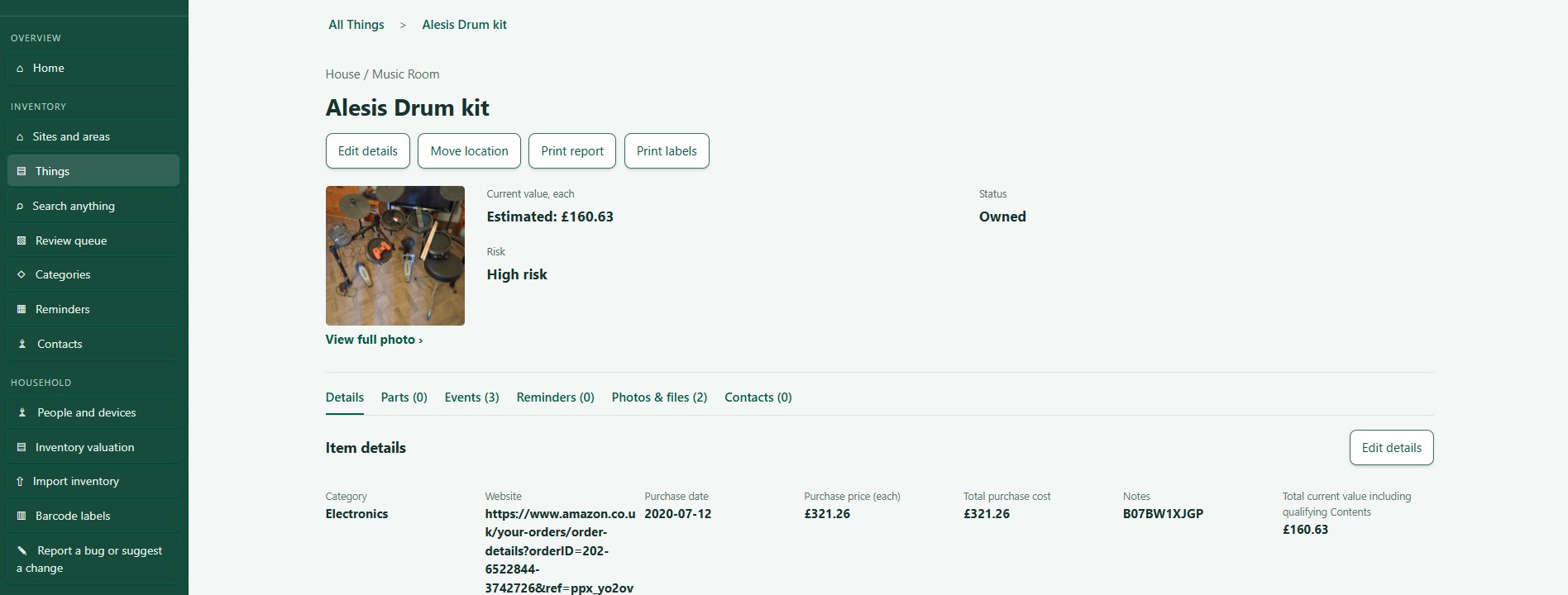
- Open the Thing and choose Contacts.
- Pick a person in Choose an existing contact.
- Choose Link contact.
Good to know: Contacts in your inventory do not give anyone access to the household. Use People and devices for that.
Check or remove a link
The linked contact appears on the Thing. To remove the link, choose Unlink. The person stays in your Contacts and in the household.
Need more help or have a suggestion? Contact us.