 ThingzSafe
Web portal · Household / Pro
Search and filter records
Find an item without remembering where you put it.
Where to start
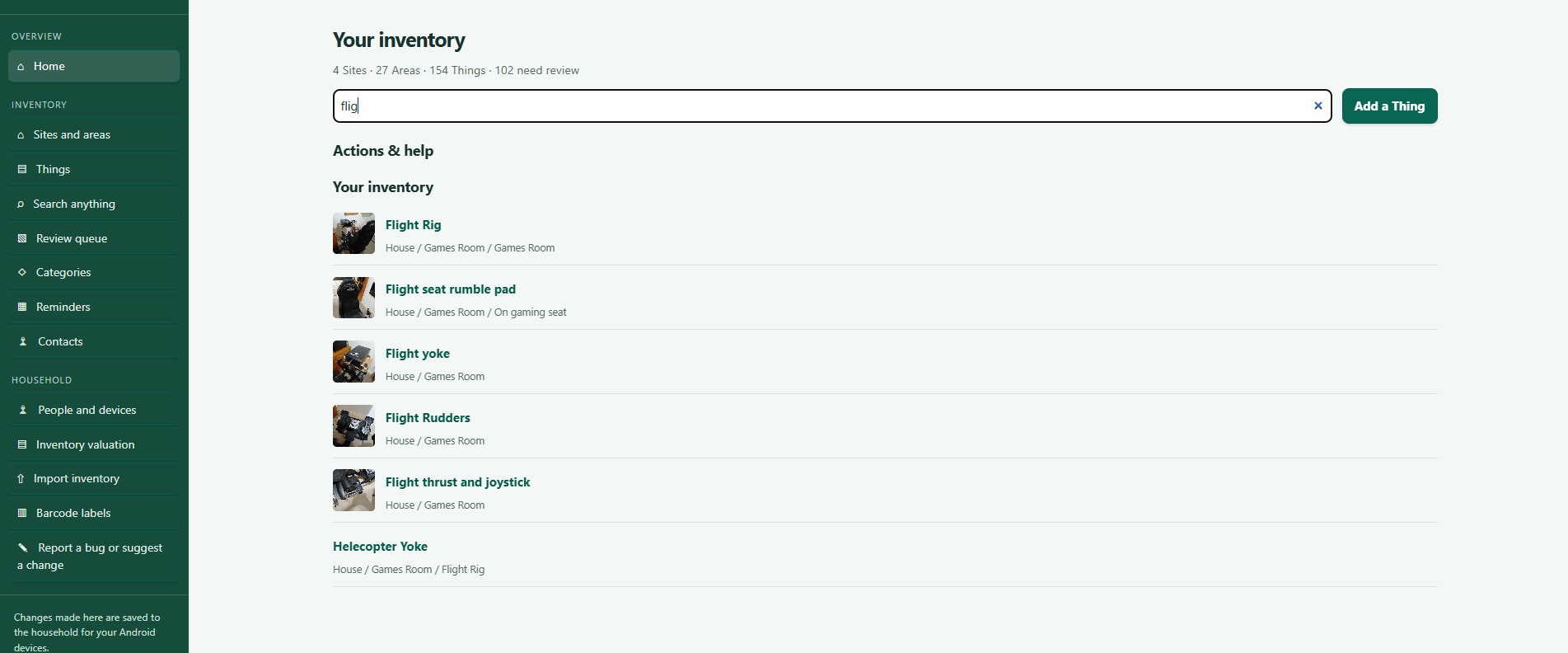
Web portal: Search anything
Search everything or one list
- Search anything looks across Things, Sites, Areas, Contents and other records.
- Search this list filters only the list you are looking at.
Type part of a name or description. Clear the box to see everything again. Open a result to see where it is and its details.
Narrow your results
- Status starts on Owned, which shows Active and On loan records and hides Sold and Disposed ones. Choose All to see everything.
- Category narrows Things to one Category.
- Other filters appear depending on the screen, such as High risk only, Search event text, the reminder Period and the review type.
Good to know: Sold and Disposed records have a silver background when they are included.
Need more help or have a suggestion? Contact us.