 ThingzSafe
Web portal · Household / Pro
Contacts on the web
Keep supplier and other contact details with your inventory.
Where to start
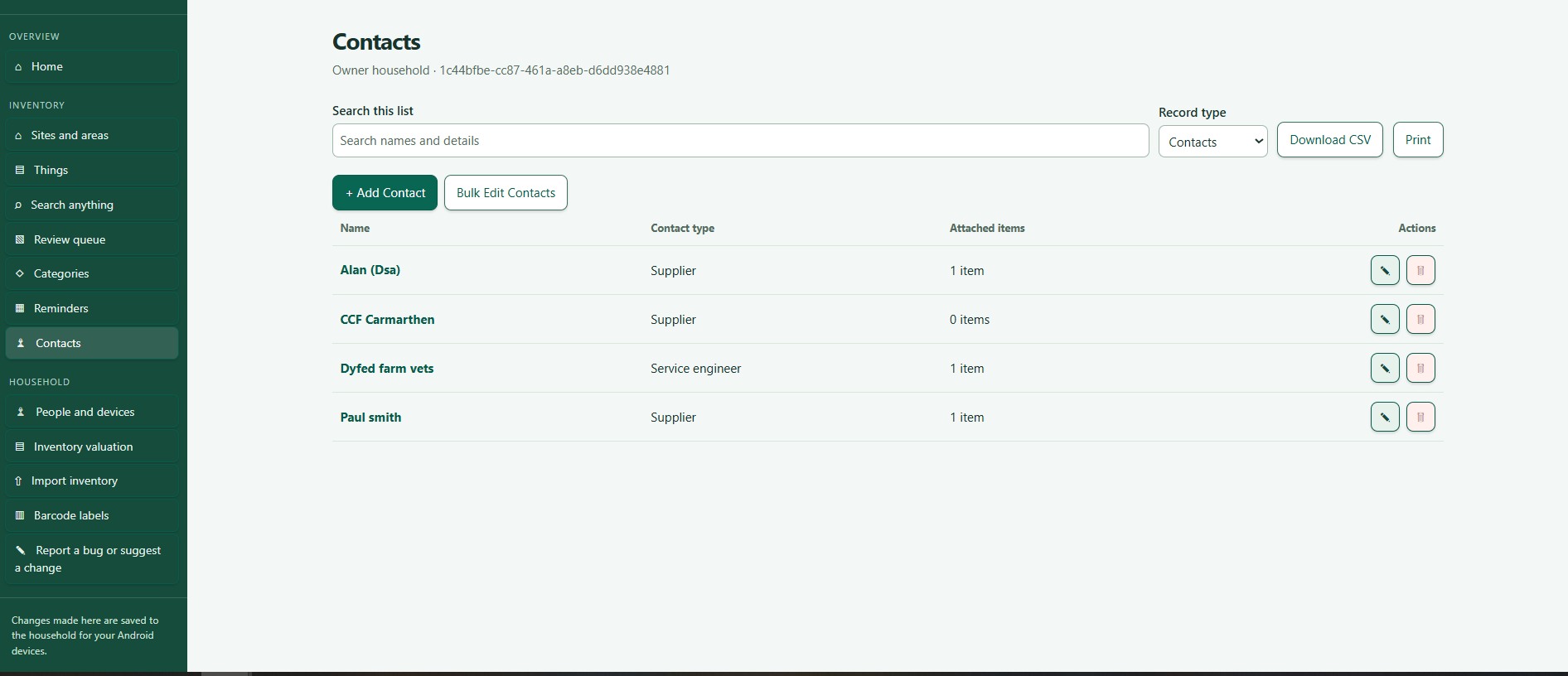
Web portal: Contacts
Manage contacts
- Open Contacts. You see names, types and how many Things each is linked to.
- Choose Edit to change a contact.
- Choose Delete to remove one that is not linked to anything. You are asked to confirm.
Good to know: Contacts are for your records, such as shops and engineers. They do not give anyone access to your household. Use People and devices for that.
Need more help or have a suggestion? Contact us.