 ThingzSafe
Web portal · Household / Pro
Categories on the web
Group similar items so they are easier to recognise.
Where to start
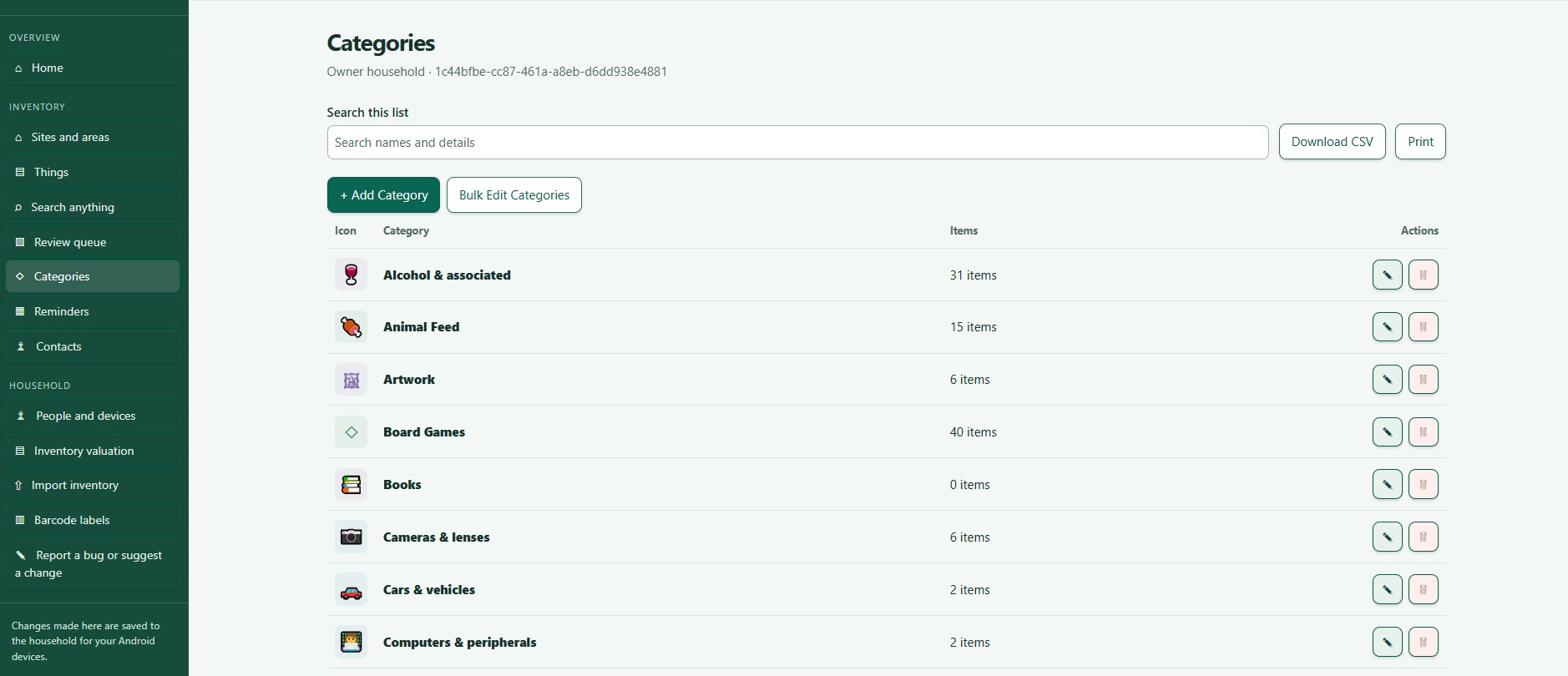
Web portal: Categories
What are Categories?
- A Category groups similar Things, such as tools, furniture or livestock.
- A Category says what an item is. Sites and Areas say where it is.
Create or edit a Category
- Choose Categories in the menu.
- Choose Add Category, or select a Category's name or its Edit button.
- Enter a name, and a description if you like.
- Choose a colour and an icon so it is easy to spot.
- Tick whether Things in this Category can hold Contents or have Parts.
- Choose Add Category (new) or Save Category (changes).
Good to know
- A freezer is a Thing, and the food inside it is Contents. A fitted component is a Part.
- You cannot delete a Category while Things use it. Move them to another Category first.
- Your Android setup suggested some Categories to start with. See Categories, colours and icons.
Custom fields (Pro)
With a Pro plan you can customise a Category's fields. See Pro category fields and prompts.
Pro category fields and prompts
Need more help or have a suggestion? Contact us.